
The Launcher Is the Front Door
Plarium Play is the desktop route the publisher documents, so it is what you install and what you open when you want to play.
Where the real system requirements live, how the desktop install works, and what changes when you move off a phone.
Download Free for PC
The only requirements worth reading are the ones on the publisher's own download page. Third-party pages copy figures from each other, and a list written for a game that patches regularly goes stale fast. If a page quotes you a memory figure without saying when it checked, treat it as a guess.
Three things on your own machine matter more than any table. Free space on the drive you install to, because a launcher needs room to unpack as well as room to store. Whether your graphics driver has been updated this year, which cures more stuttering than any settings menu. And whether a laptop is sitting in a battery-saving power profile, which quietly halves performance and then gets blamed on the game.
Nobody can promise you a frame rate on hardware they cannot see. The download costs nothing, so the cheapest test is to install it, play for ten minutes, and look through whatever quality or performance options the game gives you before concluding the machine cannot cope.
On Windows and Mac the route the publisher documents is Plarium Play, its own launcher. So the first thing you download is the launcher, not the game, and the game comes through it rather than from a standalone installer you can throw away once it finishes. Plan on opening the launcher when you want to play, and on letting it settle whatever the game needs before it starts.
If the launcher tells you how large the download is, trust that number over any figure you read elsewhere, including on a page like this one. Either way, leave headroom. A game that keeps adding content keeps growing, and a nearly full drive is the most common self-inflicted problem here.
No purchase step appears anywhere in that sequence. The game is free to download and free to play, and the in-app purchases live inside it rather than in front of it.
The obvious gain is the screen. Turn-based team fights put a lot of small text in front of you, and a monitor reads it better than a phone held at arm's length. A mouse also beats a thumb when several targets overlap.
The quieter gains are physical. A desktop does not get hot in your hand, does not throttle itself halfway through a session to protect a battery, and does not drop an incoming call on top of your fight.
Be clear about the trade, though. This is published on phones as well as desktops, and touch is the interface the design starts from. Treat the desktop version as the same game made more comfortable rather than as a release built around a keyboard, and check for yourself what it does with one instead of assuming. What you gain is comfort, at a desk you have to sit at.
If what you want is a single-player PC role-playing game with a story and an ending, a free-to-play collection RPG is the wrong shape, and polish will not fix that mismatch. Buy a finished game instead.
If your machine already strains under a browser and a video call together, adding a 3D game will not go well, and a free download does not change that arithmetic. And if in-app purchases bother you on principle, this game has them.
Plarium Play is the desktop route the publisher documents, so it is what you install and what you open when you want to play.

Nothing is paid before the first fight. Purchases exist inside the game, and you can play a long time without touching them.
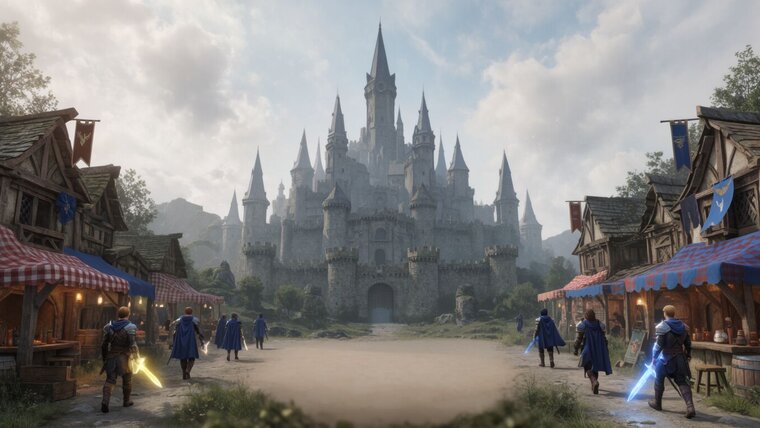
Small stat text becomes readable, overlapping targets become clickable, and nothing throttles because a battery is getting warm.